
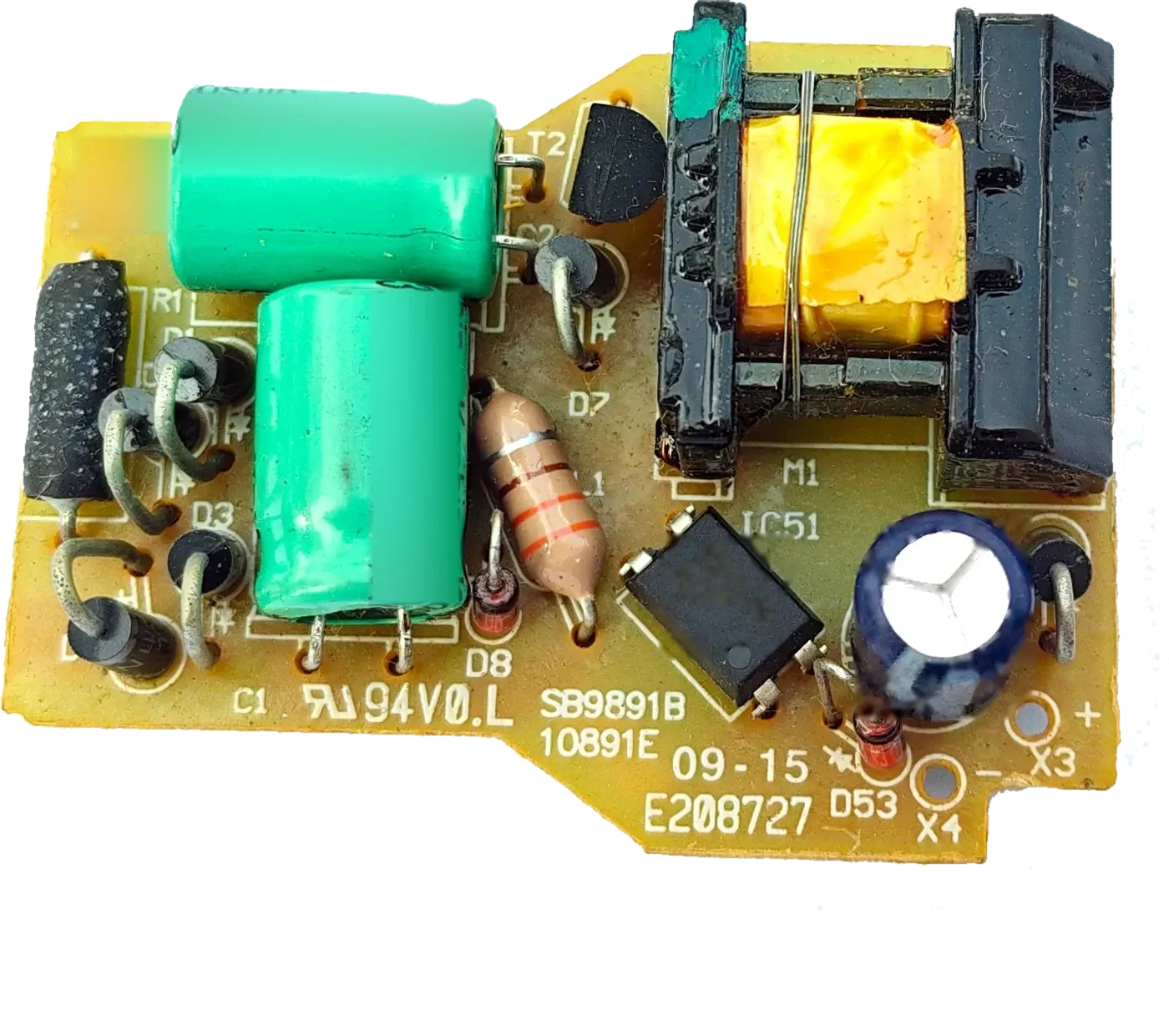
Why does the power supply matter?
LED display modules run on low-voltage DC, while the mains is AC. The power supply converts one to the other and must deliver enough current for every module at full brightness. An undersized or mismatched supply can leave parts of the display dim or uneven, cause flicker, or shut down under load.
What voltage do LED display modules need?
Check the module’s datasheet or label for its rated input voltage — many LED display modules use 5 V DC. The supply’s output must match that rating: a higher voltage can damage the modules, and a lower one can leave them dim or unstable.
LED lighting works differently: many LED lamps and fixtures use constant-current drivers rather than fixed-voltage supplies. See How to choose a power supply for LED and display applications.
How do I calculate the power needed?
- Find each module’s maximum power (watts) or current (amps) on its datasheet.
- Multiply by the number of modules for the total load.
- Add headroom — a common practice is to load a supply to no more than about 70–80% of its rating.
- Divide by the capacity of the supply you plan to use to find how many are needed.
| Step | Example |
|---|---|
| Modules | 24 modules, each up to 20 W |
| Total load | 24 × 20 W = 480 W |
| With headroom (load at 80%) | 480 W ÷ 0.8 = 600 W of supply capacity |
| Current at 5 V | 480 W ÷ 5 V = 96 A at full load |
| Supplies | For example, two 300 W supplies, each feeding 12 modules (240 W) |
One power supply or several?
A small display may run from a single supply. Larger displays are normally divided into sections, each powered by its own supply. That keeps currents and cable runs manageable and limits how much of the screen one fault affects. Group the same number of modules on each supply where possible.
Wiring and installation
- Low voltage means high current: use cable of adequate size and keep runs short to limit voltage drop.
- Leave space for ventilation — supplies produce heat.
- For outdoor displays, use supplies suited to the enclosure and the site conditions.
- Have mains wiring and earthing done by a qualified electrician.
What to share for a display power requirement
- The module type or pitch, and the number of modules.
- The module input voltage and maximum power or current, from the datasheet.
- The display size.
- Indoor or outdoor installation.
- Details of any existing supply being replaced.
Key takeaways
- Match the output voltage to the modules’ rated input.
- Total load = maximum power per module × number of modules.
- Leave headroom: load a supply to about 70–80% of its rating.
- Split larger displays across several supplies.
- Size cables for the current and plan for ventilation.